

Introduction
Connect your payment data directly to Close CRM for seamless lead management and sales tracking. Automatically create contacts and opportunities from successful payments, keeping your sales team informed of revenue-generating activities.This integration requires a Close CRM API key with appropriate permissions.
Getting Started
1
Open the Webhook Section
In your Dodo Payments dashboard, navigate to Webhooks → + Add Endpoint and expand the integrations dropdown.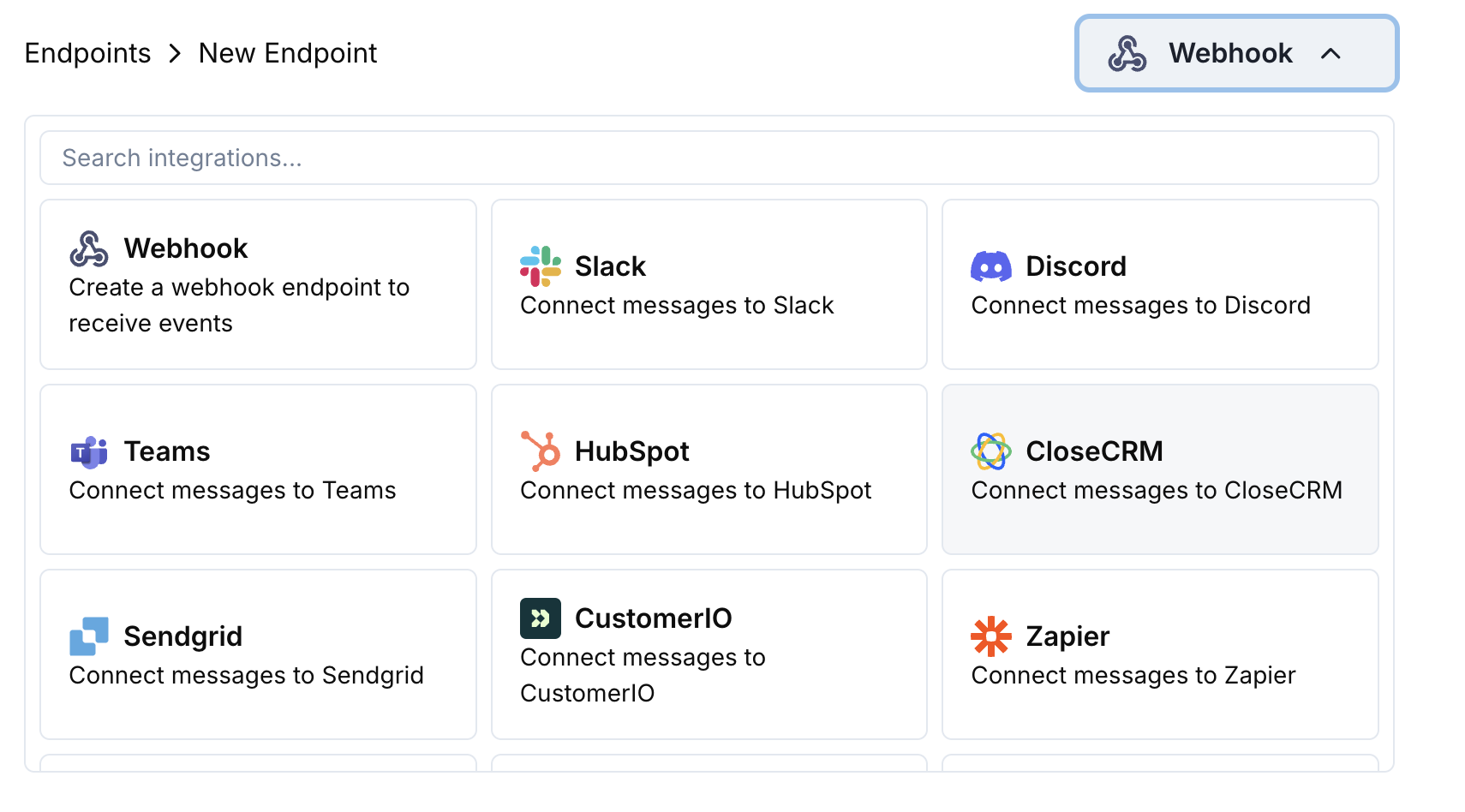
2
Select Close CRM
Choose the Close CRM integration card.
3
Enter API Key
Provide your Close CRM API key in the configuration.
4
Configure Transformation
Edit the transformation code to map payment data to Close CRM objects.
5
Test & Create
Test with sample payloads and click Create to activate the sync.
6
Done!
🎉 Payment events will now automatically create/update records in Close CRM.
Transformation Code Examples
Create Contact from Payment
create_contact.js
Create Opportunity from Subscription
create_opportunity.js
Tips
- Use Close CRM’s API documentation to understand field mappings
- Include custom fields for payment-specific data
- Map subscription amounts to opportunity values
- Use customer IDs for proper lead associations
Troubleshooting
Records not created in Close CRM
Records not created in Close CRM
- Verify API key has write permissions
- Check that required fields are included
- Ensure email format is valid
- Review Close CRM API rate limits
Transformation errors
Transformation errors
- Validate JSON structure matches Close CRM API format
- Check that all required fields are present
- Ensure field names match Close CRM schema exactly