

Introduction
Send transactional emails and manage customer communication automatically when payment events occur. Deliver payment confirmations, subscription updates, and important notifications with Loops’ email infrastructure.This integration requires your Loops API Key for authentication.
Getting Started
1
Open the Webhook Section
In your Dodo Payments dashboard, navigate to Webhooks → + Add Endpoint and expand the integrations dropdown.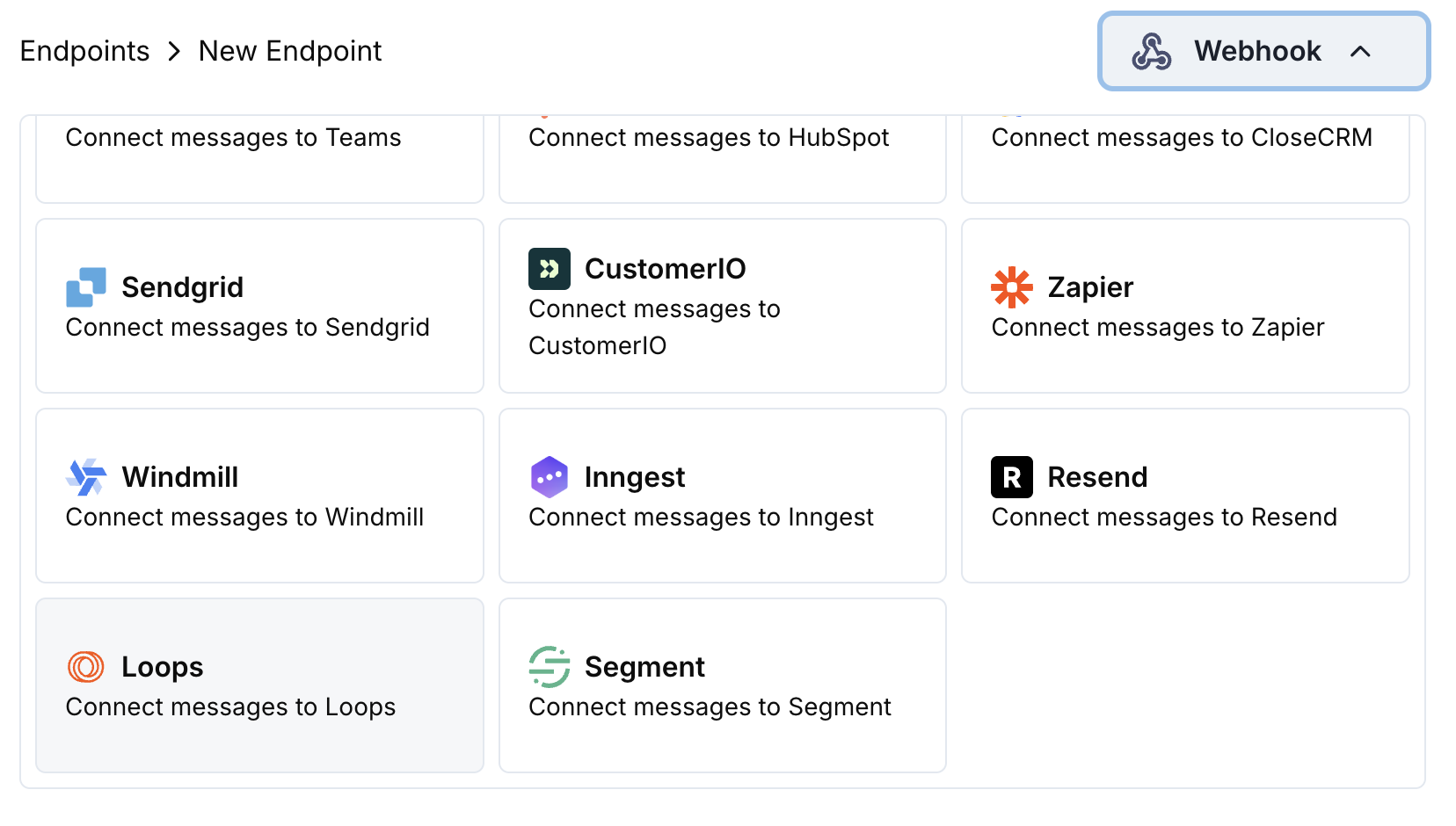
2
Select Loops
Choose the Loops integration card.
3
Enter API Key
Provide your Loops API Key in the configuration.
4
Configure Transformation
Edit the transformation code to format emails for Loops’ API.
5
Test & Create
Test with sample payloads and click Create to activate the email sending.
6
Done!
🎉 Payment events will now automatically trigger transactional emails via Loops.
Transformation Code Examples
Payment Confirmation Email
payment_confirmation.js
Subscription Welcome Email
subscription_welcome.js
Payment Failure Notification
payment_failure.js
Tips
- Use descriptive event names for better email template organization
- Include relevant customer properties for personalization
- Set up email templates in Loops dashboard for each event
- Use consistent property naming across events
- Test email delivery before going live
Troubleshooting
Emails not being sent
Emails not being sent
- Verify API Key is correct and active
- Check that event names match your Loops templates
- Ensure recipient email addresses are valid
- Review Loops sending limits and quotas
Transformation errors
Transformation errors
- Validate JSON structure matches Loops API format
- Check that all required fields are present
- Ensure event names are properly formatted
- Verify API key permissions