

Introduction
Execute serverless functions and background jobs automatically when payment events occur. Process payments, send notifications, update databases, and run complex workflows with Inngest’s reliable function execution platform.This integration requires your Inngest webhook URL from your function configuration.
Getting Started
1
Open the Webhook Section
In your Dodo Payments dashboard, navigate to Webhooks → + Add Endpoint and expand the integrations dropdown.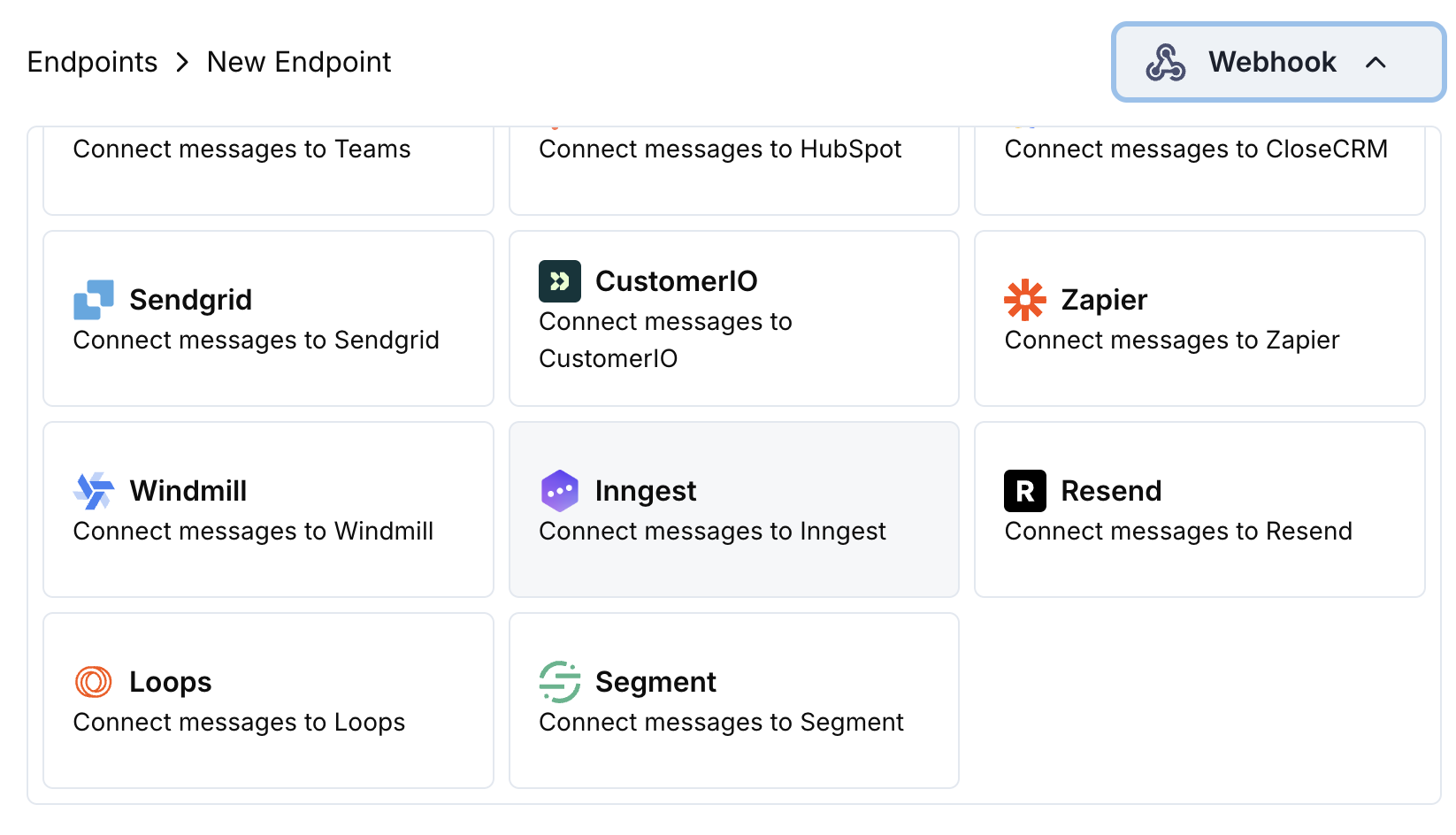
2
Select Inngest
Choose the Inngest integration card.
3
Create Inngest Function
In Inngest, create a new function and copy the webhook URL from the function configuration.
4
Paste Webhook URL
Paste the Inngest webhook URL into the endpoint configuration.
5
Configure Transformation
Edit the transformation code to format events for your Inngest function.
6
Test & Create
Test with sample payloads and click Create to activate the integration.
7
Done!
🎉 Payment events will now trigger your Inngest functions automatically.
Transformation Code Examples
Basic Event Payload
basic_event.js
Subscription Event Handler
subscription_event.js
Dispute Event Handler
dispute_event.js
Common Inngest Use Cases
Payment Processing
Payment Processing
- Send confirmation emails
- Update customer records
- Process refunds
- Generate invoices
- Update inventory
Subscription Management
Subscription Management
- Welcome new subscribers
- Process cancellations
- Send renewal reminders
- Update billing cycles
- Handle failed payments
Analytics & Reporting
Analytics & Reporting
- Update revenue metrics
- Track customer behavior
- Generate reports
- Sync data to analytics platforms
- Calculate churn rates
Tips
- Use descriptive event names for better function organization
- Include user context for function execution
- Set proper timestamps for event ordering
- Structure data consistently across events
- Use Inngest’s retry and error handling features
Troubleshooting
Functions not triggering
Functions not triggering
- Verify webhook URL is correct and active
- Check that Inngest function is deployed and active
- Ensure event names match function triggers
- Review Inngest function logs for errors
Data not received correctly
Data not received correctly
- Check payload structure matches Inngest expectations
- Verify event names are properly formatted
- Ensure all required fields are included
- Test with Inngest’s webhook testing tool